Website Statistics - HerongYang.com - 3.01, by Herong Yang
Analog CE 6.17 on Mac Computer
This section provides a tutorial example on how to download and install 'Analog CE 6.0.17' on Mac for Web server log file analysis.
Later, I also downloaded and installed Analog CE 6.0.17 on my Mac computer.
1. Go to https://github.com/c-amie/analog-ce and download analog-6017ce-osx.zip. The file size is 858,897 Byte.
2. Unzip analog_60w32.zip in /local/analog. And change the file permission to be executable.
herong$ cd /local/analog

herong$ unzip analog-6017ce-osx.zip

herong$ chmod 744 analog
3. Try to run it with default settings:
herong$ ./analog
./analog: Analog CE version 6.0.17/Unix
./analog: Warning F: Failed to open configuration file
4. Now create my own configuration file similar to what I did on my Windows computer. It regenerates a nice report on log files from my web site, herongyang.com.
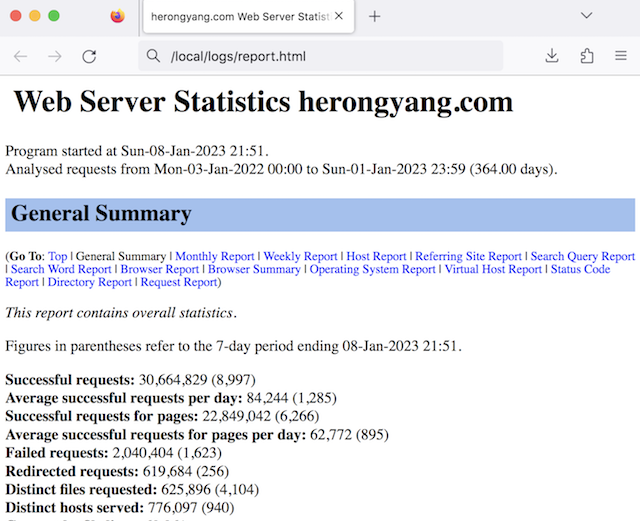
Table of Contents
►Analog - Web Server Log Files and Analysis Tool
Web Server Log File Samples - IIS and Apache
Analog 6.0/Win32 - Web Log File Analysis Tool
Configuring "Analog" to Process Log Files
Processing Apache Log Files with "Analog"
►Analog CE 6.17 on Mac Computer